Application Interface Gallery
Explore the interface of Ice Commander: the native dual-pane explorer, local and remote terminal consoles, and the same panels in the browser.
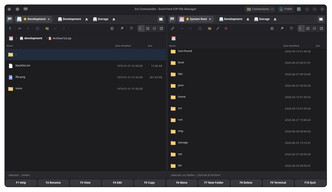
Dual-Pane File Manager
The classic dual-pane interface of Ice Commander with active directory panels, drive selector toolbars, and dynamic layout resizing.
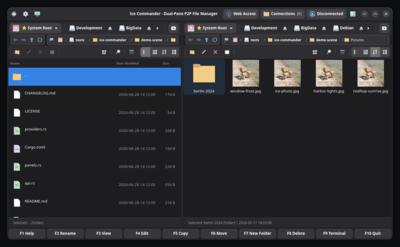
Native Panels with Live Thumbnails
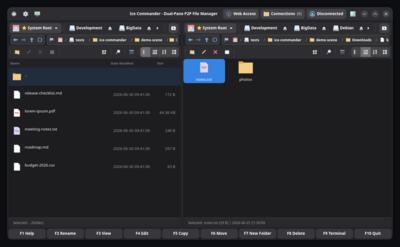
The GTK4 application over the same scene: icon view with real photo thumbnails on the right, a code project on the left.
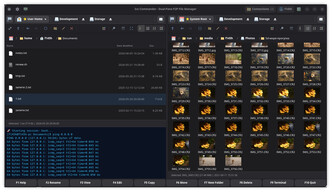
Multi-Format Thumbnail Previews
Real-time generation of cover arts and thumbnails for images, documents, and media files, allowing fast visual navigation.
Archives Open Like Folders
Entering a tar.gz in the native app: browse, view and copy out of archives with the same keys you use for regular folders.
Maximized Panel Terminal
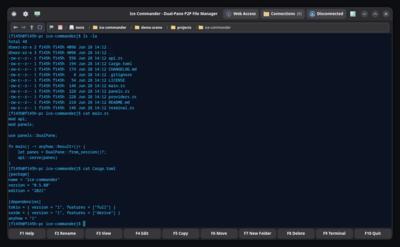
The expanded local/remote terminal console running fully inside the active panel layout, optimized for high productivity keyboard operation.
Remote Source Selector
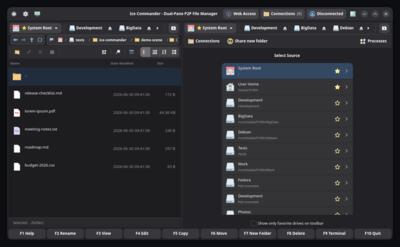
Connect directly to remote endpoints, network shares and WebDAV servers to manage files seamlessly.
One Panel Local, One Panel FTP
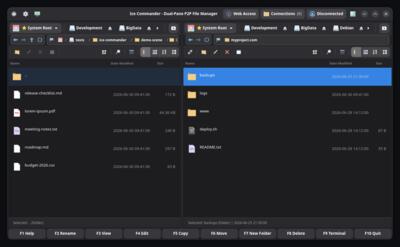
A named connection mounted straight into the panel — browse, view and copy over ftp:// with the same keys you use for local folders.
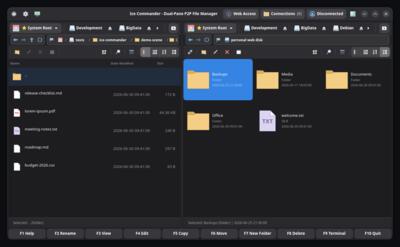
WebDAV Web Disk in a Panel
A dav:// drive — documents, office files and media — mounted like a local folder: browse, view and copy both ways with the same keys.
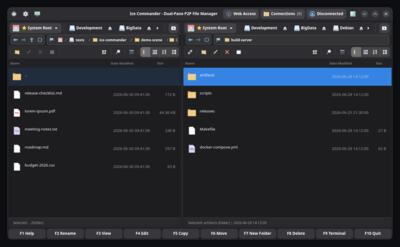
SFTP over SSH
A build server mounted via sftp:// with key authentication — full dual-pane file management over the SSH you already run.
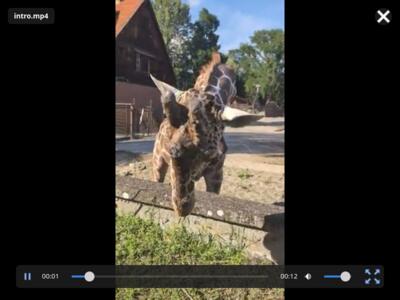
Built-in Video Player
High-performance integrated media viewer for video streaming and local video playback with hardware-accelerated playback controls.
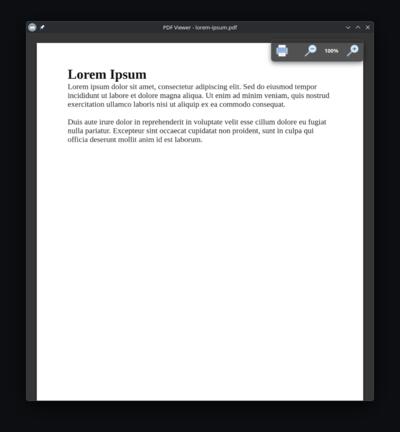
Integrated PDF Document Viewer
View PDF documents, guides, and ebooks directly inside the file manager without external application dependencies.
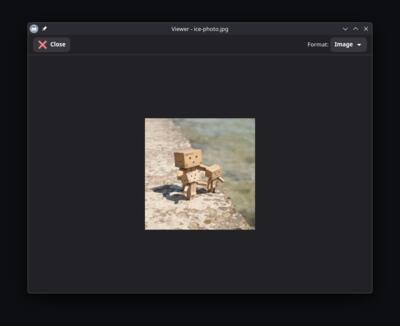
Built-in Image Viewer
View high-resolution images and photos with smooth zoom, rotation, and panning directly inside the application workspace.
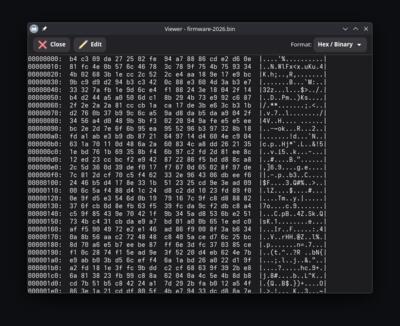
Advanced Hex Editor
Inspect and edit raw binary data of any file in hex format, designed for power users, developers, and system administrators.
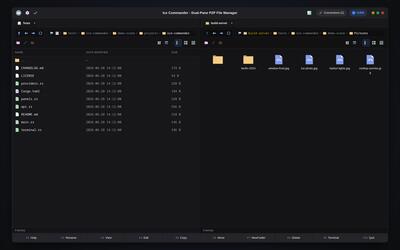
Headless Web User Interface
Access and manage your files, terminals, and saved connections through any web browser using the responsive, headless Web UI dashboard.
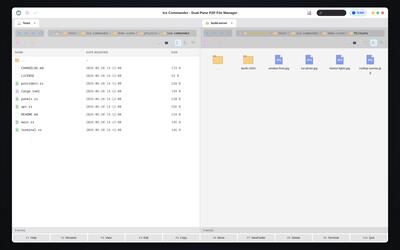
Web UI — Light Theme
The same web dashboard in the light theme: one click switches the whole interface, panels, dialogs and viewers included.
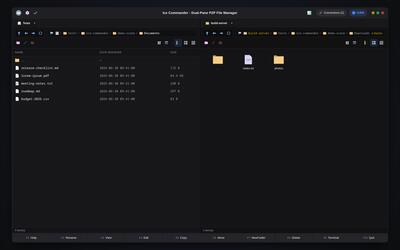
Archive Browsing from the Web
A tar.gz opened like a folder straight in the browser panel — the archive appears as a breadcrumb chip while you walk its contents.
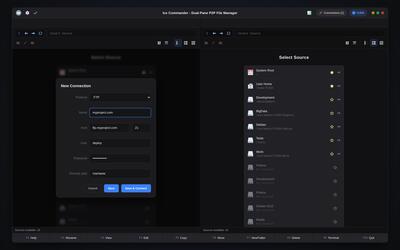
Connections Manager in the Browser
Create and save FTP, SFTP and WebDAV connections right from the web UI — they persist in the app’s config and mount into either panel with one click.
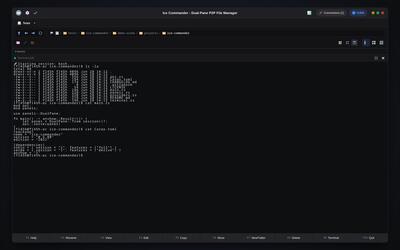
Terminal in the Web UI
A full shell session in the browser: the web terminal is a live I/O layer over the panel’s real PTY, expandable across both panels.
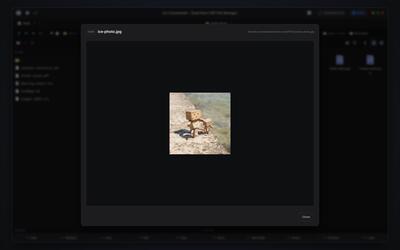
Remote Media Viewer
F3 in the browser streams images and video from whatever the panel shows — a local folder, an archive or a remote connection.
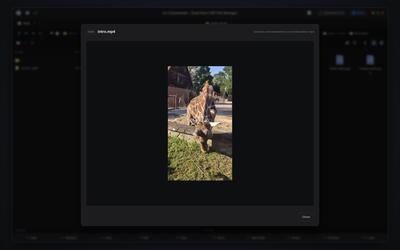
Video in the Web Viewer
Press F3 on an mp4 in the browser and it plays right there, streamed from whatever the panel is showing — local, archive or remote.